A Funny Graphic Novel About Overthinking and Your Inner Critic
**WARNING: Pre-Ordering this book could make your inner critic louder… but at least you’ll have company.
READ ABOUT MY LATEST LITERARY ART INSTALLATION
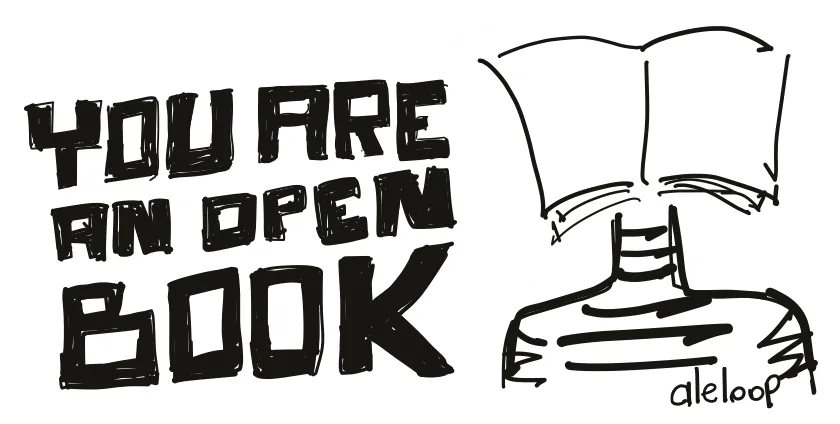
I am an Open Book
If you’ve ever felt like you’re more than the one version people see…
... this is for you.
You’re about to hear about an art installation that reveals something most people rush past:
the rest of you.
This isn’t a “walk, look, leave” gallery moment.
And it’s definitely not something Instagram can summarize for you.
This is an experience that only works in person — because it reaches the part of you that rarely gets a voice.
Every day you’re labeled by one role: the mom, the artist, the business one, the tech one.
But that’s just the cover of your book.
And somewhere inside you… the other pages are waiting.
When you step inside this piece, something powerful happens:
You stop looking at art
and start recognizing yourself.
Visitors expect to see my pages.
They end up seeing their own.
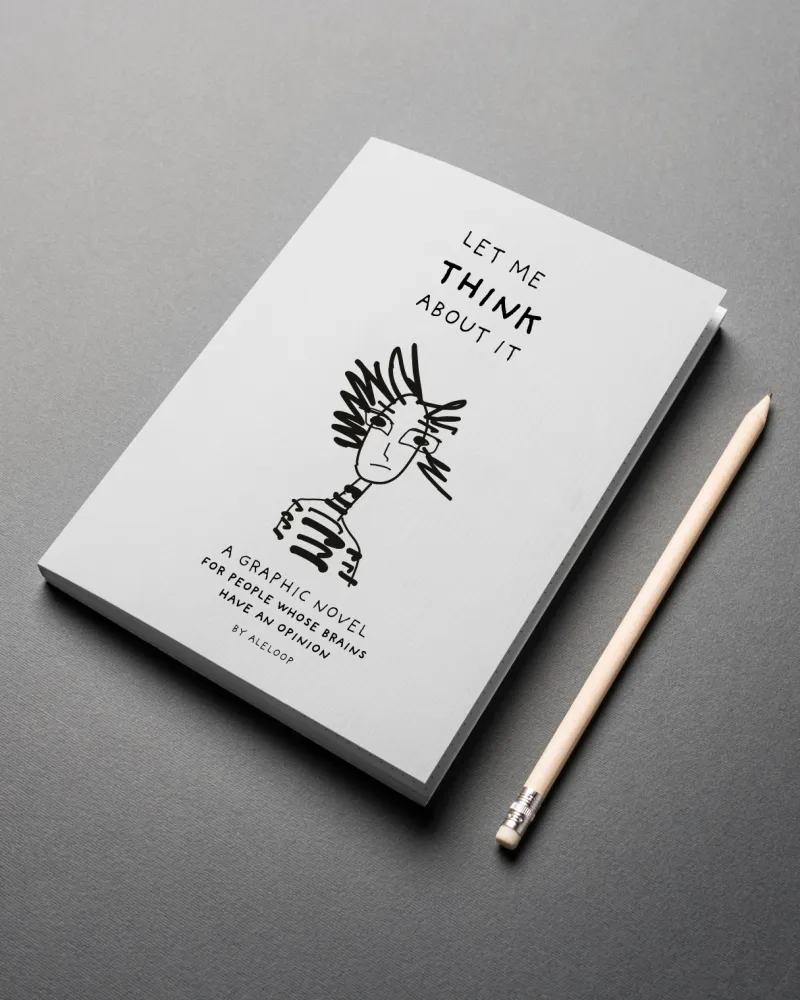
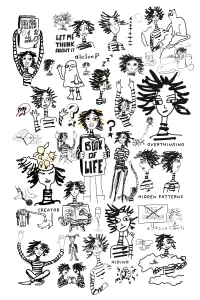
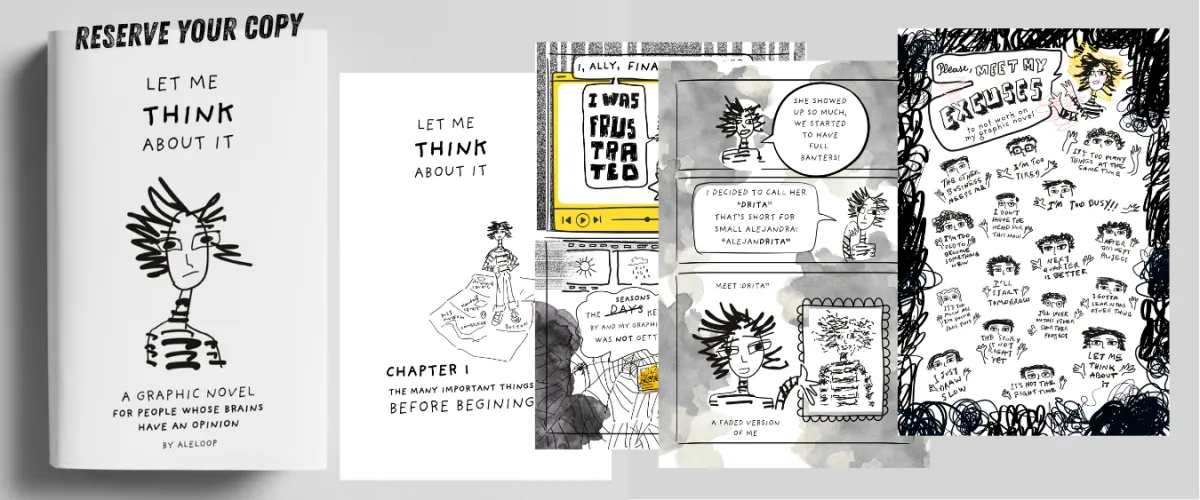
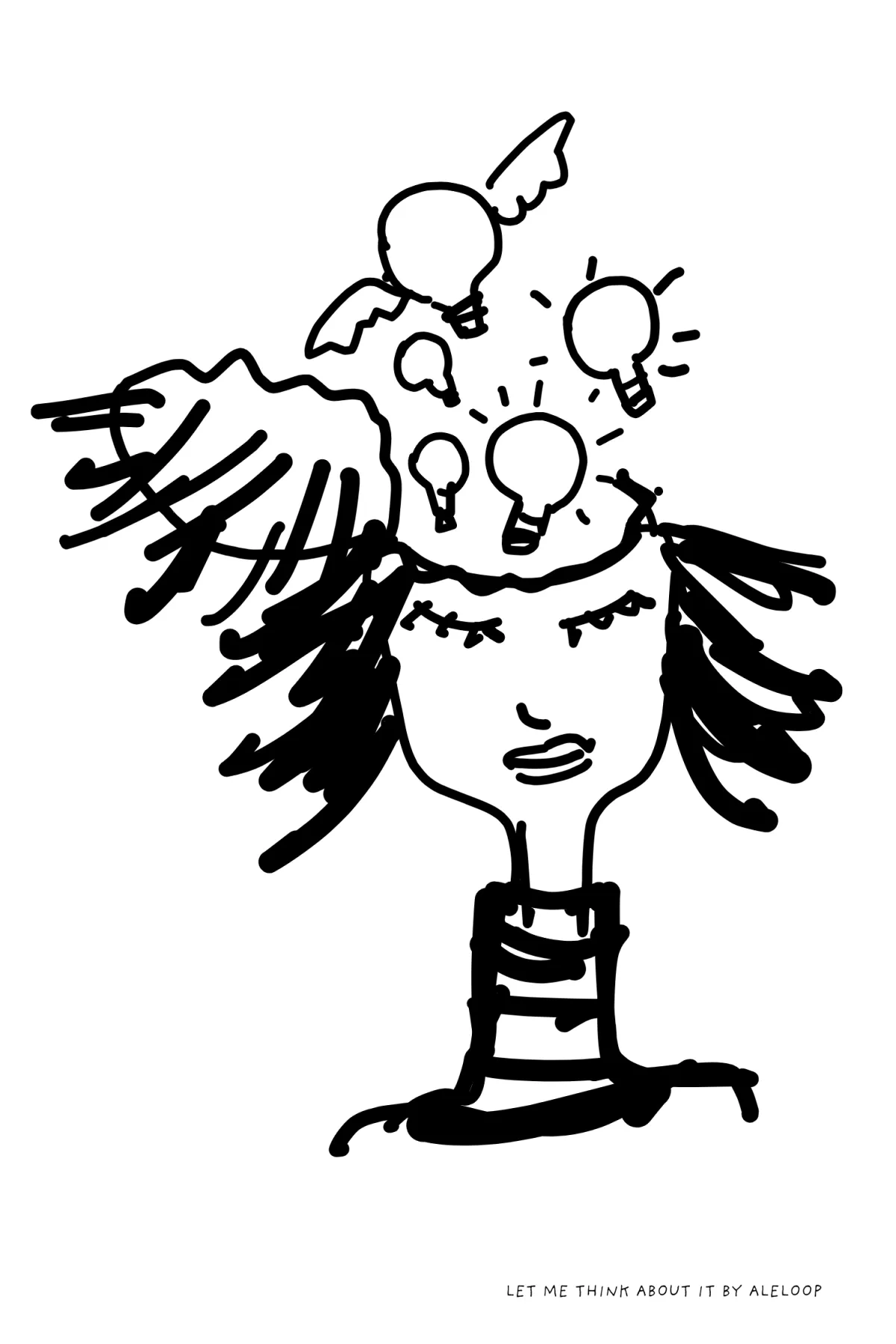
LET ME THINK ABOUT - Graphic Novel Pre Order - Paperback
$30.00
Quantity
And then something rare happens: YOU JOIN THE ARTWORK.
Yes, YOU join the artwork.
At the final page, the book hands you a pen.
You draw the version of yourself most people never meet — the hidden one, the soft one, the alternate draft.
And that drawing becomes part of a limited-edition printed book created only during the show.
One print run.
One moment in time.
A book that includes you.
You don’t just see the installation.
You’re written into it.
What you’ll walk away with
(Without spoiling the experience)
✔ a feeling you didn’t expect
✔ a moment of clarity you didn’t plan for
✔ a connection to yourself you didn’t know you needed
✔ the chance to say “I’m literally in that book”
✔ a contribution to something quietly profound
What will it mean for you?
You’ll know the moment it hits.
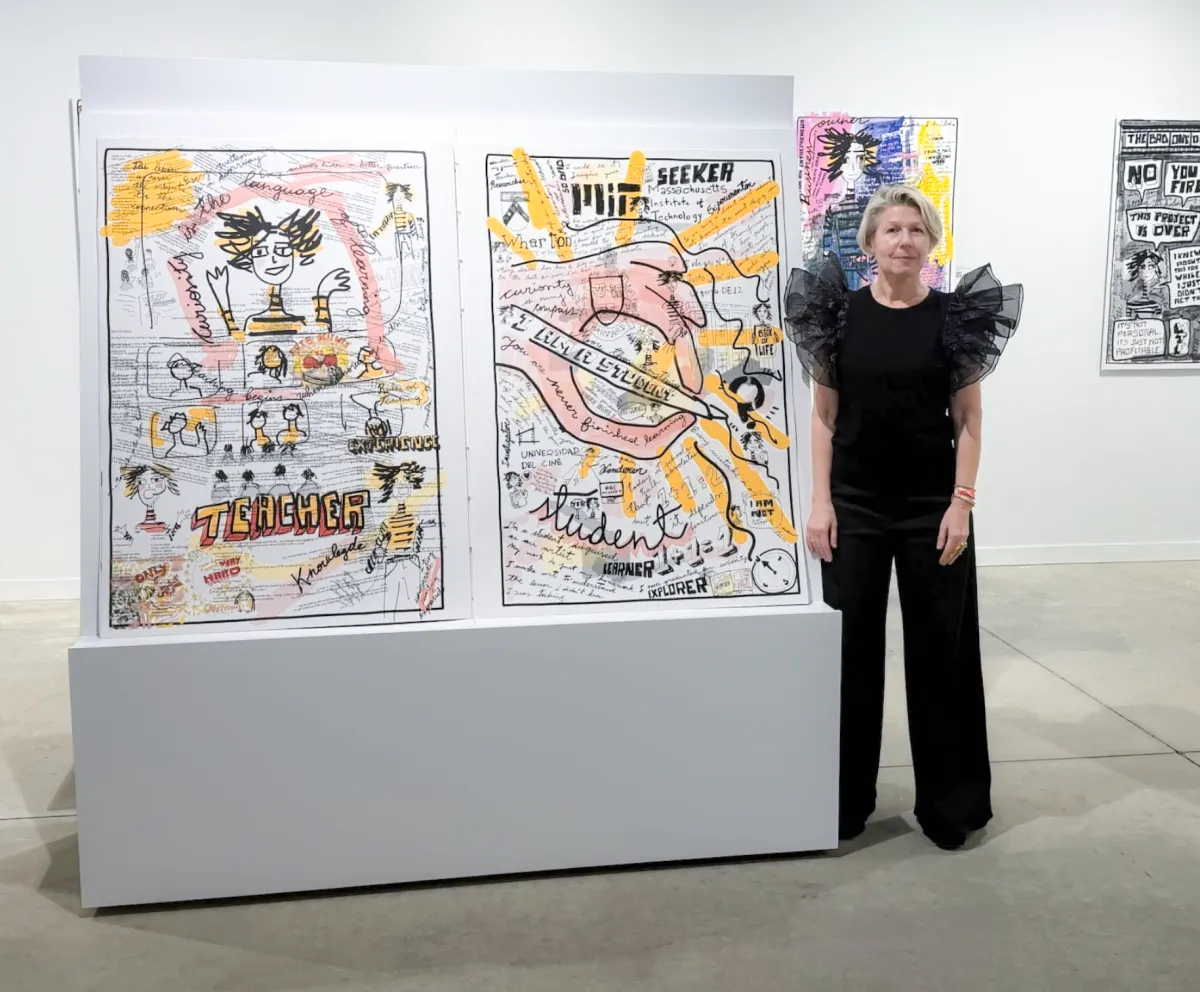

We live in a world of snap judgments and surface-level impressions. But everyone, is more than what they appear to be.
Most people know me as one thing: an artist, a technologist, a mom, an entrepreneur, a wife, a designer, a friend, a future astronaut. But I’m not just “one page.”
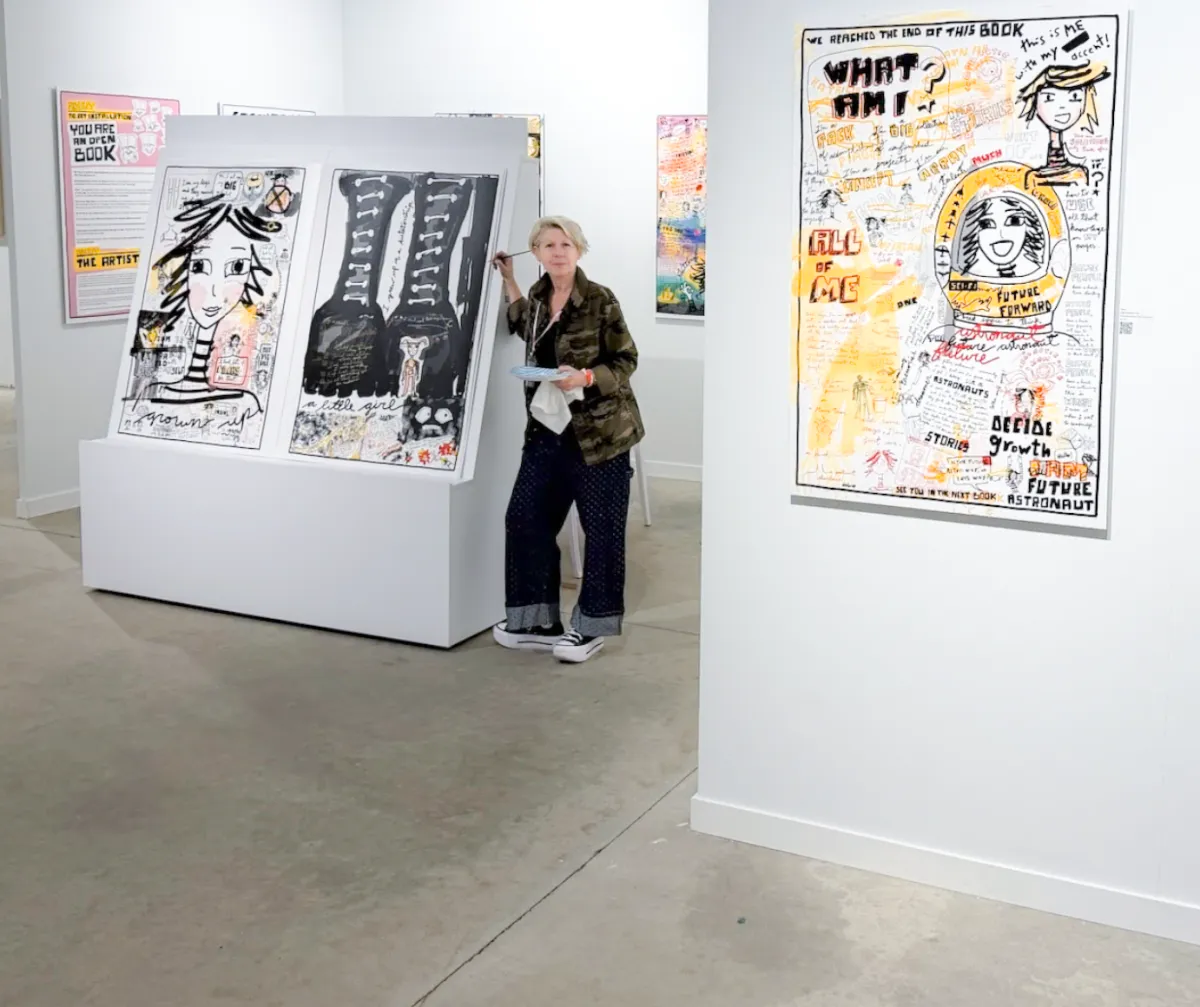
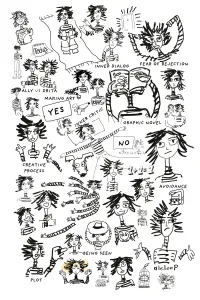
When I was asked to make a self-portrait, I couldn't fit all of me in one drawing. I couldn't fit all of me on one page. So I started drawing each part of me and realized I'm an open book. Each page, reveals a side of me that’s often hidden, simplified, or overlooked.
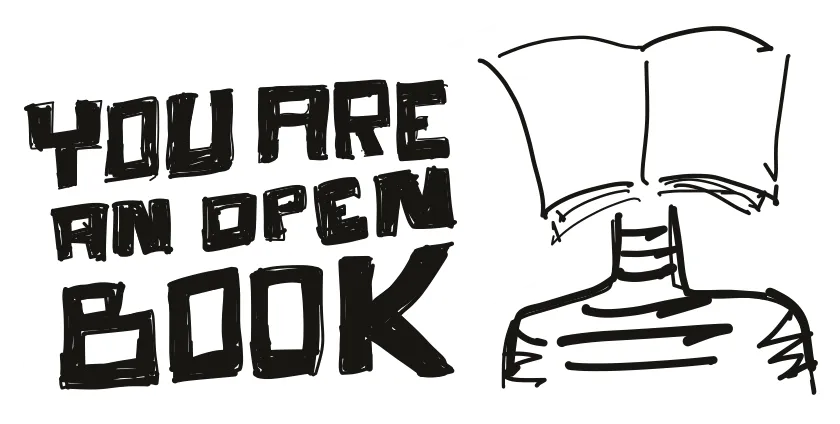
You Are an Open Book is a portrait of visibility and vulnerability. An invitation to remember that we are all more than what fits on one page. This art installation, invites you to consider your own hidden sides,
the parts of you that people don’t see, or don’t know about.
We are all our own unique books. We hide parts of ourselves, sometimes out of fear, sometimes out of habit.
This installation asks: What would happen if we stopped editing ourselves?
When you make it to the last page, you find a place where this book hands you the pen.
Draw a part of yourself most people never get to meet. The soft self, the silly self, the alternate draft self. The one that deserves a page.
Don’t forget to write your name + Insta handle, so your unpublished self can join the anthology of all our other selves.
We live in a world of snap judgments and surface-level impressions. But everyone, is more than what they appear to be.
Most people know me as one thing: an artist, a technologist, a mom, an entrepreneur, a wife, a designer, a friend, a future astronaut. But I’m not just “one page.”
When I was asked to make a self-portrait, I couldn't fit all of me in one drawing. I couldn't fit all of me on one page. So I started drawing each part of me and realized I'm an open book. Each page, reveals a side of me that’s often hidden, simplified, or overlooked.
You Are an Open Book is a portrait of visibility and vulnerability. An invitation to remember that we are all more than what fits on one page. This art installation, invites you to consider your own hidden sides,
the parts of you that people don’t see, or don’t know about.
We are all our own unique books. We hide parts of ourselves, sometimes out of fear, sometimes out of habit.
This installation asks: What would happen if we stopped editing ourselves?
When you make it to the last page, you find a place where this book hands you the pen.
Draw a part of yourself most people never get to meet. The soft self, the silly self, the alternate draft self. The one that deserves a page.
Don’t forget to write your name + Insta handle, so your unpublished self can join the anthology of all our other selves.


BEST WISHES Postcard
$20.00
Quantity
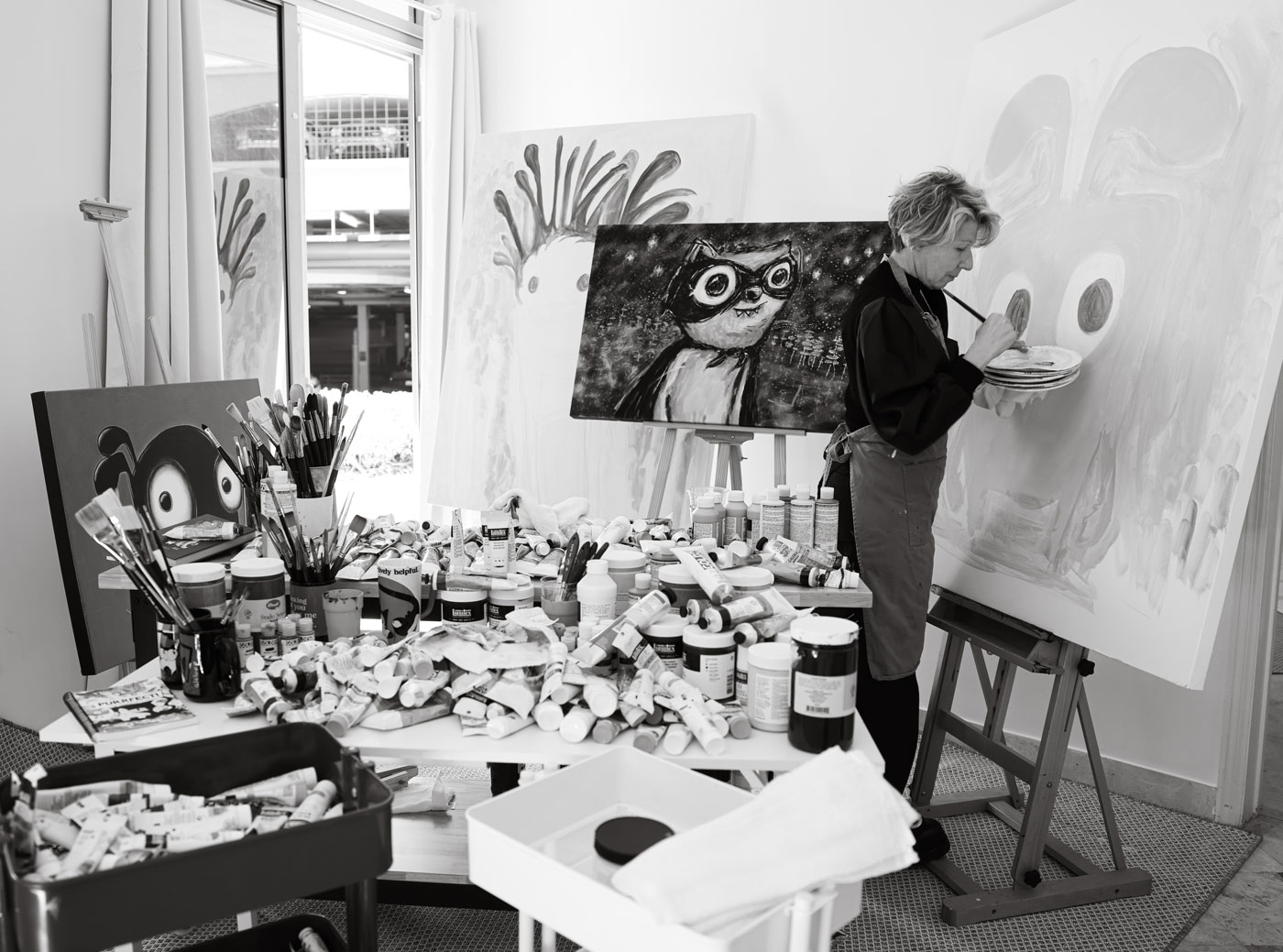
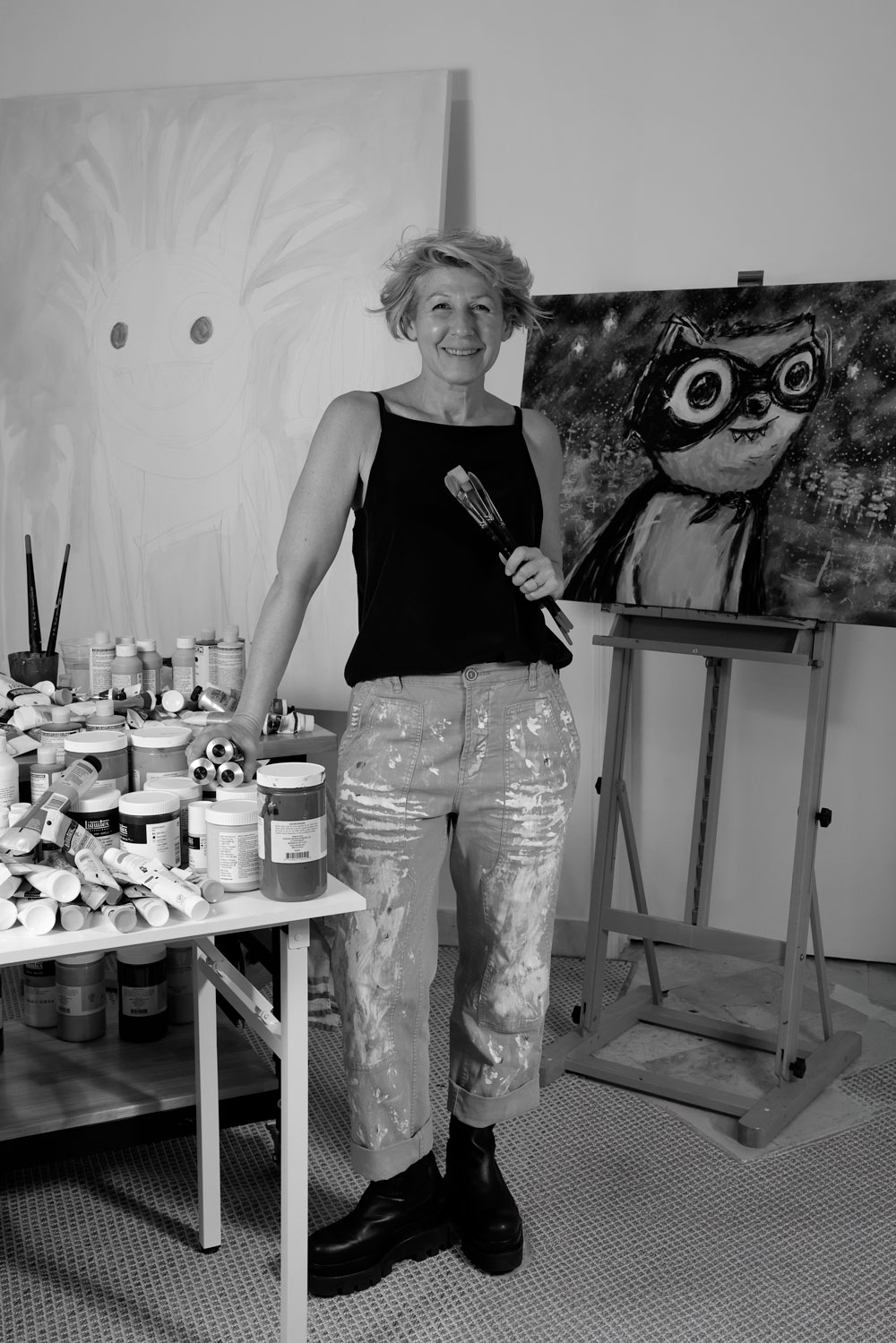
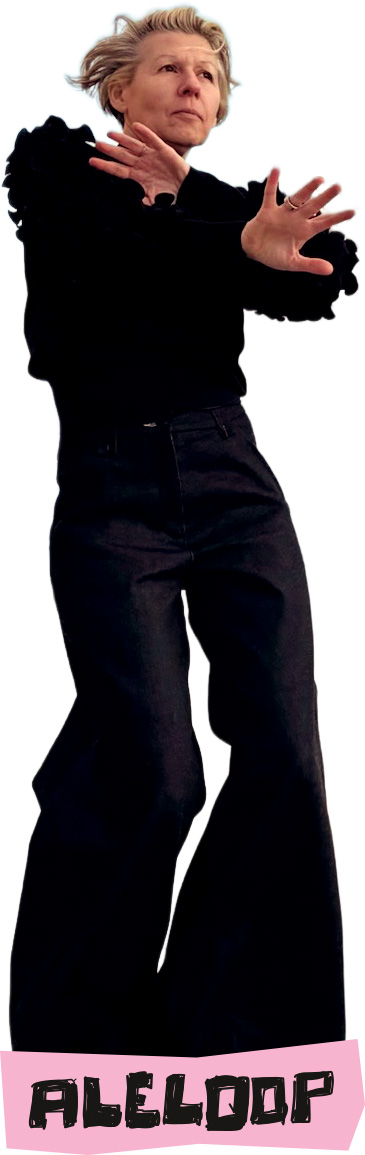
Hi, I’m Alejandra Leibovich, aka ALELOOP, and apparently, I’m not great at doing “just one thing;” are you?
I’ve been an animator, painter, writer, tech inventor, entrepreneur, mom, wife, friend, and future astronaut (seriously). I’ve worked with TV channels across major networks, including MTV, VH1, Nickelodeon, Cartoon Network, and TNT.
My companies have won many international design, technology, and entrepreneurship awards. We have been on the INC 5000 list of fastest-growing companies for 10 years straight. We have created hundreds of jobs.
My art and animation work has been seen across the globe at MOCA, San Diego Comic-Con, Art Basel, Paris, and many others venues.
My first collection of low brow paintings “Eternal Misfits” sold out and provided venture capital to launch our businesses. My current collection of paintings “Assumptions” is almost sold out today.
A few years ago, I accidentally semi-retired and immediately had a midlife crisis, the productive kind. I took classes, made music, wrote 300 bedtime stories, started a sci-fi graphic novel, and discovered that all roads lead to the same place: cartoons + stories.
This art installation is my four-foot-tall plot twist:
I contain multitudes. Please flip responsibly.
© Aleloop 2026